
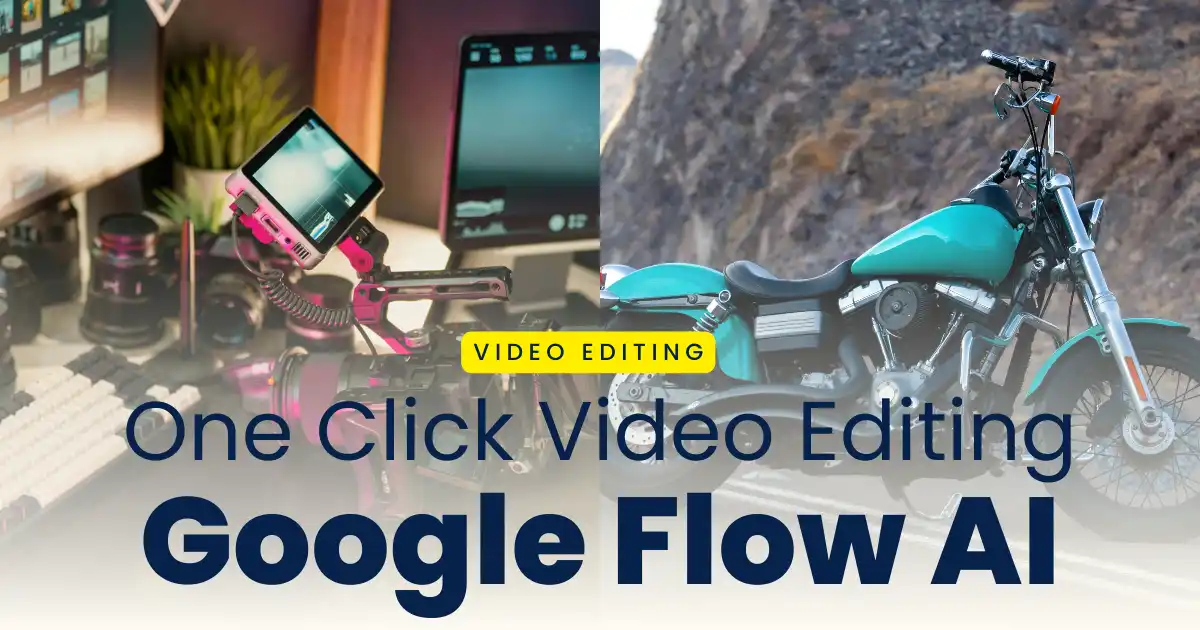
Video editing has been the backbone of social media content and engagement in 2026. A new trend goes viral all over the internet every other day and editing your video becomes the integral part of it. Video editing is complex these days as we need a lot of knowledge regarding the music, transition, effects, filters and clips arrangement. However, AI makes it easier to edit the trending videos according to your preferences and creativity. Google Flow AI helps you create the trending videos in just a single click and you do not need any editing skills to create the trending videos. You can create trending bike edits, cinematic videos, and various other viral trends using AI video editing tools.
Whether you are a beginner in video editing with no advanced editing skills or tools or a professional editor, you can create your viral video by just uploading your photo and AI would create scenes and edit your video. In this post, we explain how to create trending video edits in a single click with google flow ai, along with a step-by-step guide and clear instructions for the same.
What Is Google Flow AI
Google Flow AI is a powerful AI video editing tool that helps you create trending video based on your imagination and creativity. This tool has been trained in such a way that it analyses the clips, footages, music, and video visuals to create the best output for the users. It lets you make video using the reference video and photos and clips of your original videos.
AI has covered the whole internet these days. It adds new features to make video editing advanced, simple and easy to use for the users. You can create your engaging content and make it viral using a simple prompt or any reference video.
Why Flow AI Is Trending in 2026
New trending video edits goes viral on the social media platforms in 2026. It becomes complicated and time-consuming for users to create those videos manually. However, Flow AI makes it simple and easy by allowing users to create their video in just one click by just uploading your photos or start or end frame. In addition to this, there are various other reason why Flow AI is trending in video editing:
- It helps you create videos fast and efficiently in seconds.
- It automatically analyses the scene of the video and adds effects, transitions and colour grades your video using AI effects.
- It is suitable for both beginners and advanced video creators as you can create your video in just one click.
- You can create engaging and viral content for various social media platforms.
- You get professional video edits automatically without any manual edits.
- The video generated by Google Flow AI is in higher quality.
How to Edit Videos in One Click with Flow AI
You don’t need any advanced editing tools and professional editing skills to make professional videos as AI helps you edit your videos automatically without any editing skills. Flow AI helps its users to create the trending videos viral on the internet in the following steps:
Step 1: Launch the Google Flow AI on your browser and sign in with your google account.
Step 2: Upload your start frame and end frame with raw videos and photos.
Step 3: Choose the template for your video and tap on one-click edit.
Step 4: You can also customize your edits with the right prompt.
Step 5: Copy the prompt provided below and paste it in the text box.
Step 6: Add background music from the audio library or add the audio name in the prompt.
Step 7: Click on the generate button to create the trending video.
Step 8: Preview your video and make changes if necessary.
Step 9: Export the video and save it to your device.
Key Features of Google Flow AI
Google Flow AI helps its users create smart videos intelligently is just a single clicks in few seconds. The key features that makes video editing with Google Flow AI better are as follows:
- It analyzes raw footages, and long clips and selects the engaging parts of the video automatically
- It adds transitions, zooms, effects and music automatically based on your footages
- You do not need manual color grading for your videos as AI does it automatically for you
- It synces the engaging music and adds beats to your videos in one click
- You can edit your videos using creative ready made templates instantly
Tips for Creating Trending Videos in One-Click
One click video editing makes it effortless and smart for uses to create the trending videos. The better you understand and instruct the AI tools, the better is the output. Here are some of the tips that would help you generate the trending social media content for better engagement:
- Upload the start frames and end frames for your video.
- Upload the clips and footages in higher quality to get the desired result.
- Select the appropriate ratio for your video based on the platform in which you want to uplaod.
- Select the best music based on the theme of your video.
- Do not over edit your videos, keep it simple and clean.
- Experiment different video editing styles and templates to get better result.
You can use the one-click generated videos to have higher engagement for various social media contents such as:
- Instagram Reels and Stories
- Youtube Shorts and Videos
- Facebook Reels and Stories
- Tiktok Videos and Stories
Conclusion
Google Flow AI makes it easier and simple for video editors and social media influencers to create trending and viral engagement videos. You can edit your videos in few seconds using simple clips and a right editing prompt. The videos generated by these AI platforms are engaging and higher quality like that of manually edited videos. Any user can create the videos based on the reference videos that is trending in the internet today. In 2026, traditional video editing is outdated and users are using AI editing to get quality videos instantly that can be used as a viral content online.
Ch Shiva Raj
Pavan
6408
Hi
హలో