
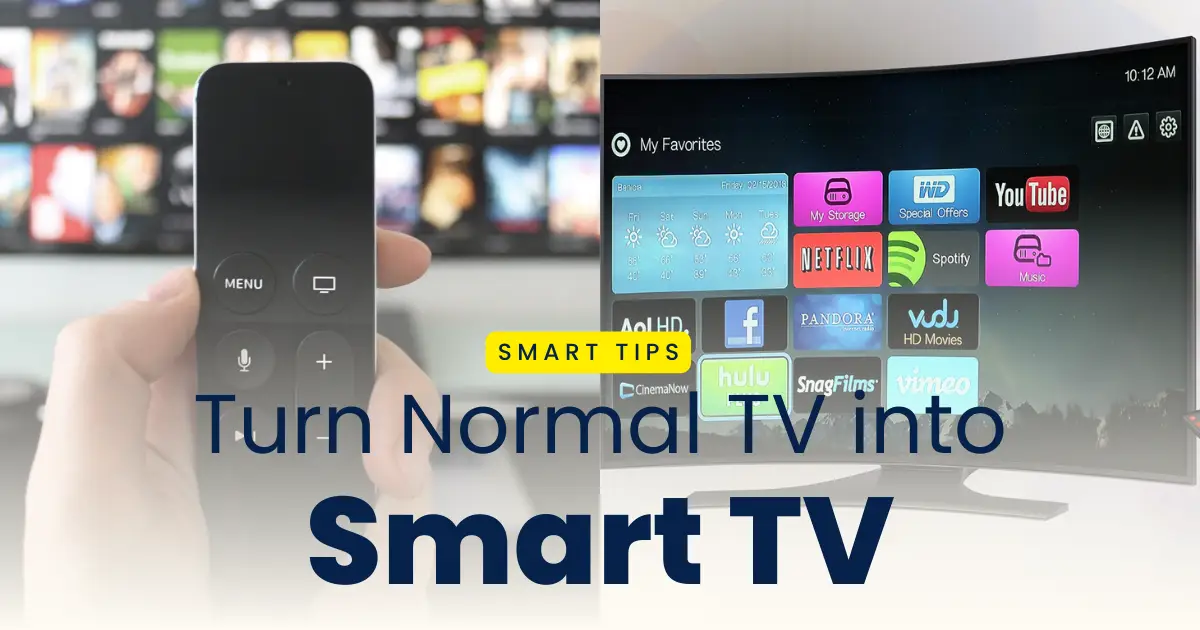
Normal TVs are outdated now in 2026 with advanced features introduced and added to the Smart TVs every odd day. You can access to a lot of features such as Youtube, online streaming apps, internet browsing, and various other media features through the Smart TV. Smart android TV gives you access to a number of features like that of an android mobile. Upgrading to a Smart TV can be expensive particularly if you already have a normal TV at your home. Your old TV would be of no use if you purchase a new Smart TV. However, you can you can easily turn your normal TV into a Smart TV using a USB device in 2026 which would be cost effective for everyone and you don’t need any additional cost to upgrade to a smart android TV.
Learn how to make strong wifi signal for better tv connection and access the smart features.
You can transform your normal TV into a smart android TV with all the advanced feature like that of a new smart TV with the help of a USB device. Android TV sticks, streaming dongles, and USB media players are popular USB devices that adds smart features to your television. In this post, we explain how to turn your normal tv into a smart tv using usb in 2026, along with a step-by-step guide and clear instructions for the same.
What Does “Smart TV via USB” Mean
Smart TV via USB refers to the use of a USB-powered streaming device or dongle to access advanced features through your normal TV. In this process you need to enter the USB jack to the USB port in the old television provided for media playback or power suppply to get the following benefits:
- Access to streaming apps such as Netflix, YouTube, Prime Video, etc. with your TV
- Connect to Wi-Fi and Bluetooth on your TV
- You can download apps from the app store on your TV
- You can mirror your screen to another device and browse internet
- You can avail the benefts of voice assistant support for easier navigation on your TV
There is a USB port on your normal TV for playing external media, hence you can insert the USB device to this port and make your old TV into an android smart TV.
Devices That Turn a TV Smart Using USB/Plug-In
You can turn any ordinary traditional TV into a smart android TV using various USB devices. The most popular devices that helps your TV turn smart are as follows:
- Android TV USB or HDMI Sticks makes your TV completely Android TV with Play Store and apps
- Streaming Dongles adds streaming apps using HDMI port and USB.
- USB Media Players with OS Support are budget softwares for making any TV smart
- Gaming Portals & Mini PCs helps you plan online games on TV with USB and HDMI combination
- Chromecast with Google TV enables easy screen casting and voice assistance
- Amazon Fire TV Stick gives access to alexa and various streaming media
If your traditional TV has HDMI ports for TV signal, you would need a HDMI to USB port connector to make use of these benefits.
Best ways to turn a normal TV into a smart TV, easy and cheap upgrad methods for you.
How to Turn Your Normal TV into a Smart TV Using USB Devices
Transforming your normal TV into a Smart TV using USB devices is a budget friendly process of availing the benefits of android television through an ordinary one. The process is simple and easy and you can do it with these steps:
Step 1: Connect your TV to a USB streaming device through the USB port or using the HDMI to USB port.
Step 2: Switch your TV input/source to the USB device connected throught the HDMI port or USB port.
Step 3: Connect your TV to a Wi-Fi.
Step 4: Set up your android TV with the help on the instructions provided on the screen.
Step 5: Sign in with your Google account to access the app store.
Step 6: Download and install streaming apps that you use like YouTube, Netflix, Prime Video, Hotstar, etc.
Step 7: Connect your mobile with the TV to personalize and customize your android TV.
Step 8: Enjoy the features of a smart TV by making the changes to the settings.
Why Upgrade Your TV with a USB Device
There are various benefits of upgrading your normal TV into an android smart TV using a USB device. You should use a USB device to upgrade your ordinary TV because of the following reasons:
- It is cost effective as you don’t need to buy a new Smart TV
- The old TV would be of no use if you buy a new one
- You get access yo all the streaming apps and services
- You can install any app and set up your TV
- You can easy port your TV as it no longer requires TV signal connection
- You get access to new features and software regularyl
You would require the following things to convert make your TV smart:
- A TV with an HDMI or USB port
- Connection to a trusthy Wi-Fi network
- Connect your TV to a power source using power adapter
- Login accounts for the streaming platforms
- Mobile app to connect to your TV
Tips for Best Performance
You can avail all the benefits of a Smart TV from your traditional TV. However, the process may sometimes be complex and proper set up is required. Inorder to get the best performace, you would need to follow these tips for the set up.
- Connect to dual-band Wi-Fi to browse internet and programs smoothly
- Update the software regularly to get best performance
- Connect to power sources using 5V/2A for uninterrupted performance
- Regularly clear the cache of the installed apps
- Set up the device with voice control
- Connect the device to bluetooth using smart TV app for better control
You can use the Smart device after the upgrade to watch movies and web series through the OTT platfroms such as YouTube, Netflic, Amazon Prime or Disney+ Hotstar. You can also stream videos and music by casting it using your smartphone or other devices. You can also browse internet through the TV and also play games on your TV.
Conclusion
The process of turning your normal TV into a Smart TV using USB-powered devices is very cost effective and anyone with a traditional TV that has HDMI connection can do that. You can add voice controls, media playbacks, online streaming, internet browsing to any traditional TV using a USB device. It is simple and easy to convert your ordinary TV into a smart one, however you would need to perform all the steps carefully. You would need to select the best USB devices and skip buying a new smart TV to access the smart features of a TV.
Driving licence
Smart tv
Samsung tv
T
Sanjay Kumar
Download
Smart TV
How to download the app
This is not coming what we do please tell me
Normal tv into a smart TV using use in 2026 but not open
Yes
Smart TV
Please 🥺🥺🥺 tap
top
Oppo
smart tv
Is not work antha app link intha website la illa antha app link send me
Smart TV
Appa
INTEX
Halim
want
Intex
I want connect give the app
App
Samsung
Chandru
Download
Akbar
Ek fallback
Panasonic TV
Sony
Not working
Bgundhi
Samrt Tv
Hyundai
Thank youu
Smart TV connected please update TCL.TV
Smart tv
Smart tv
My smart tv TCL TV not connecting
not working
Smart tv
Smart TV download please update
Smart Tv download please
Update
Haier
Smart TV
.Haier
Prabhakar
Thank you
Smart udata
Smart tv
సంర్ట్ TV
samrtTV
Smart tv
Smart tv
Smart tv
Hi
Hi
Pealse get the app
Hlo
Tq
Smart tv
Antha app link send me
Smart tv
Smart TV
USB cable mobile TV connect
I need to install a smart TV app
Smart tv
Usb
Okey 👌👍
Hlo
Super
Hi
Ok
So nice
Smart TV
Rajasekaran 1334
Best
Smart tv
Alan
In
Good
Thanks for you
Smart tv
thank you
App kanunillalo
Smart tv converter
Super Tv
Hi
Hii
How to download app
Smart TV
Convert to smart TV
Thank you
Lg tv
Persnal problem
Good
Connected TV
Hi
Hi
Irfan
Old tv problem
Smart tv
Abhishek
I have a smart TY
Rama lakshmi Neelam Srinvasu Neelam want smart TV
Tv normal android change in the tv
Smart tv
Leave a comment
Please
Smart TV apps uninstall
Hi
Hi
Smart TV connection
Please give application
Free Smart TV
Charan
Smart tv
Hi
smart tv
Hi
I want smart tv app
Smart TV
App name
App
Please app
Please
Google
Karthik
Hi
Naaku nachale
Chamrajpet
Guttalli
Dar
Android tv
For simple
Where is the app to download???
App download
Sony
Fr
Smart TV
Sarava
Thank you it is very good
It is useful
How to sign in
Smart TV
Hjjjjj
SINGER
SINGE
Smart TV
Smart TV
Smart TV
Smart tv
Not working
I love this plan
Singer
Come
good
Smart TV
Smart TV
Smart TV
Sony
Smart tv
Dashara Nizamabad
Gooddd
Smart tv
டக் டிவிவ்யாப் r
Sankar
SMART TV
சூப்பர்
Where is where is connect the smart TV
Haier
Pandamangalam
Rgev
Where is the link of the app
TV
Omggggggggggggg
I mant smart TV
VW
smart tv
Smart TV
It is a nice opportunity.
Smart tv
Fsvu
Smart tv
Smart TV
Smart tv
I want app
Hello
Please your smart TV in change Android TV in commander
App
Smart TV
Smart tv
Im see tv please help
Smart tv
How to download old to smart TV
Type class room match play with my car 👌❤️
My tv is not connected cable and wifi iam interested to watch TV program
TCL 32