
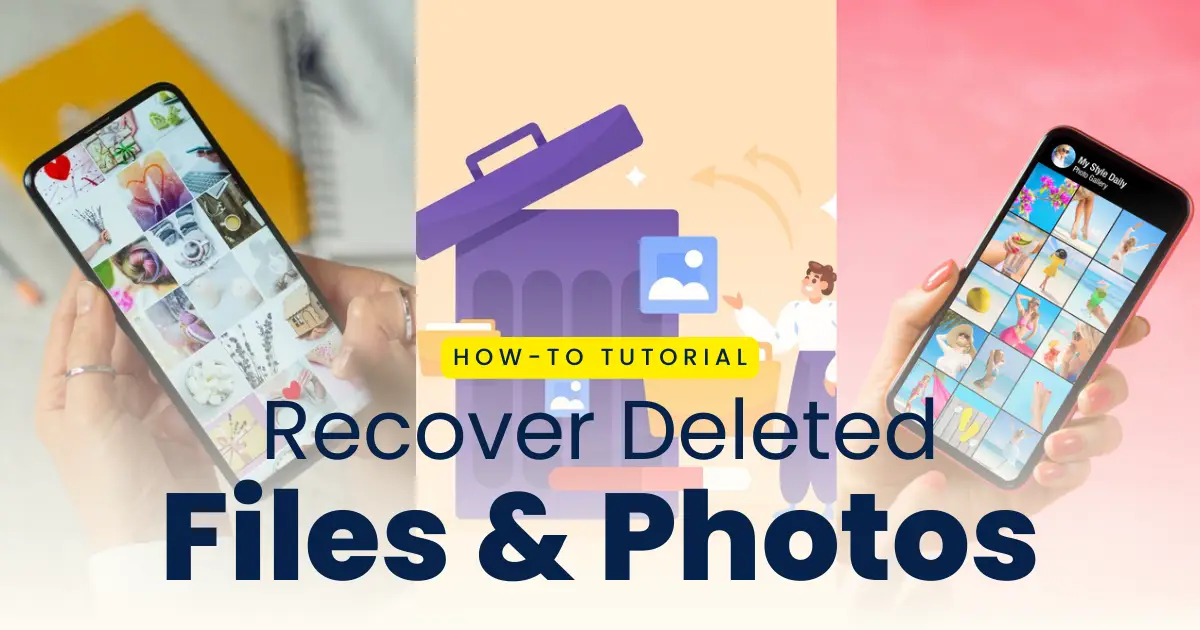
Have you accidentally deleted important images or videos from your Android device? If yes, You’re not the only one to do that. Android users frequently experience media file loss as a result of software bugs, inadvertent deletion, or corrupted storage. The good news is that, with the correct tools and prompt action, deleted media can frequently be recovered. You need to be very cautious to get back your deleted files, photos and videos from your phone as any wrong step may lead to the permanent loss of the files from your phone. It is very important for users to understand what has been deleted and where was it stored to recover it.
Take High Quality Photos from your normal photo with DSLR Camera App.
We’ll show you how to use VFile Recovery, a strong and intuitive media recovery program, to recover erased images and videos on Android in this tutorial. In this post, we provide the best settings and actions to recover deleted media files from your phone in a quick guide, along with a step-by-step guide and clear instructions for the same.
Why Photos and Videos Get Deleted on Android
The photos, videos and files on your mobile may sometimes get deleted accidently or sometimes out of storage issues on your device. Inorder to recover your files on your phone that has been deleted, it is very important fou you to understand the reasons for the deletion of your files. You may lose media files on your Android tablet or phone for a number of reasons:
- Unintentional removal from the file manager or gallery
- Internal or external storage formatting
- Internal memory or SD card damage
- System failures or software crashes
- Malicious applications or malware
With the correct recovery tool, you may recover your deleted images and videos regardless of the reason.
Can You Recover Deleted Photos and Videos?
Yes, deleted files are frequently not immediately and completely removed. Your system often simply marks deleted files as “available space” so they can be rewritten later. You have a good probability of success if you can retrieve the files before they are overwritten.
VFile Recovery can help you find and recover erased media files from external and internal storage before they are lost forever.
What Is VFile Recovery?
VFile Recovery is a specialized media recovery app for android mobile users which helps in getting back the photos, videos and files that has been deleted from your mobile. This app helps users to retrieve lost or deleted images, videos, documents, and music items from the SD card and internal memory of your phone.
It offers a comprehensive solution for photo and video recovery thanks to its sophisticated scan engine, intuitive UI, and broad compatibility.
How to Recover Deleted Photos and Videos Using VFile Recovery
If you have also lost your important files on your phone due to some mistake or by error, you should follow these steps to retrieve your deleted files:
Step 1: Download and Install VFile Recovery: Install the VFile Recovery App on your Android device after downloading it from a reliable source.
Step 2: Open the App and Grant Permissions: To enable the app to scan your storage, open it and grant it the required rights.
Step 3: Select a Scan Type: You can choose to scan the entire device or only particular folders (such DCIM or WhatsApp Images) to see where your data were kept.
Step 4: Allow the App to Scan Your Device: This will allow the program to look for deleted videos and images. Usually, this procedure just takes a few minutes.
Step 5: Preview and Select Files to Recover: Choose the files you wish to restore after looking through the list of recoverable files and previewing them.
Step 6: Recover and Save Files: Your chosen media will be returned to your device or specified folder when you tap the “Recover” button.
Key Features of VFile Recovery
The key features of the Recovery App for restoring the lost photos, videos or any files on your device are:
1. Deep Scanning Technology: VFile Recovery uses deep scans, in contrast to simple recovery programs, to find deleted media, even files that are hidden deep inside the system or in corrupted storage regions.
2. Recover a Wide Range of Media Formats: All common image and video formats are supported by the software, including JPG, PNG, WEBP photos and, MP4, AVI, 3GP videos.
3. Preview Before Recovery: You can view media files that can be recovered after scanning. You can save time and storage space by using this function to select just the files you wish to recover.
4. Internal and External Storage Support: VFile Recovery can search SD cards and internal phone memory, improving the likelihood that data can be recovered from any location.
5. Fast and User-Friendly Interface: Even for non-technical users, VFile Recovery’s clear layout and easy navigation make the recovery procedure stress-free.
Tips for Maximizing Recovery Success
- Quick action will reduce the likelihood that the file has been overwritten.
- To avoid overwriting deleted data, don’t use your device excessively after deletion.
- If at all feasible, save the restored files on external storage.
Is VFile Recovery Safe?
Indeed. All recovery tasks are carried out locally on your device by VFile Recovery. Your privacy and security are protected at every stage because it doesn’t share your data with outside parties or upload it to the cloud.
Conclusion
Although losing valuable images and videos can be upsetting, you don’t have to accept the loss if you have the correct recovery option. Android media file recovery is made simple, quick, and efficient with VFile Recovery.
Get your files back right away by downloading VFile Recovery, regardless of whether it’s a valuable family photo or a significant movie project.
Driving licence
Super
I want to driving licence
Hi
Chara
Bhukyacharan
Driving licence
Guess off shg first ussi iss too ic emo off guarantee jaychay off
Driving license
Hy
Driving licence
Driving licence
Driving licence
Driving licence
Driving licence
January 25 2026 at 12:24
Driving license
Driving licence
Driving licence
Vadapalli Anjaneyulu auto pullara bike car tractor